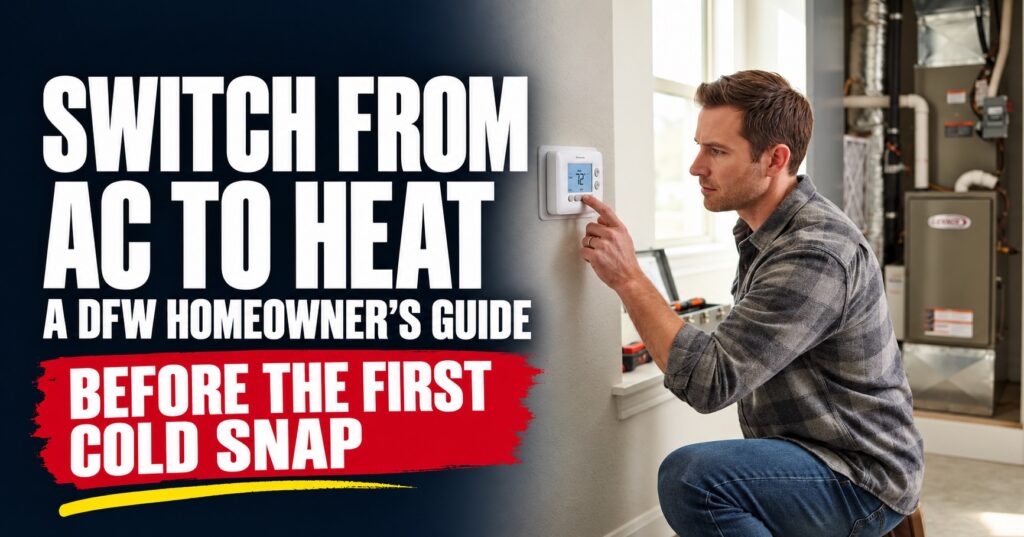
Switch to heat before the first DFW cold snap
Test your heat on a mild day before the first cold snap.
- Check the air filter and replace it if it is dirty. Set the thermostat fan to Auto.
- Change the mode from Cool to Off and wait five minutes. Then select Heat and set the temperature above the room temperature.
- Give the system several minutes to start. Check whether the home begins to warm. A heat pump’s air may feel lukewarm compared with furnace air, so judge it by whether the room warms, not by how the air feels at the vent. A brief dusty smell the first time a furnace runs can fade as dust burns off.
- If there is no heat after several minutes, the system repeatedly stops, or you hear a loud, unusual noise, turn it off and call us. If you smell gas, leave the home and contact your gas utility or emergency services.
We’re available 24/7 at (214) 340-4999, or you can book service online.
Before switching from cooling to heat, check airflow and the thermostat
A dirty filter or blocked vent can restrict airflow and make the system seem to heat poorly. Check a few visible parts before testing the heat.
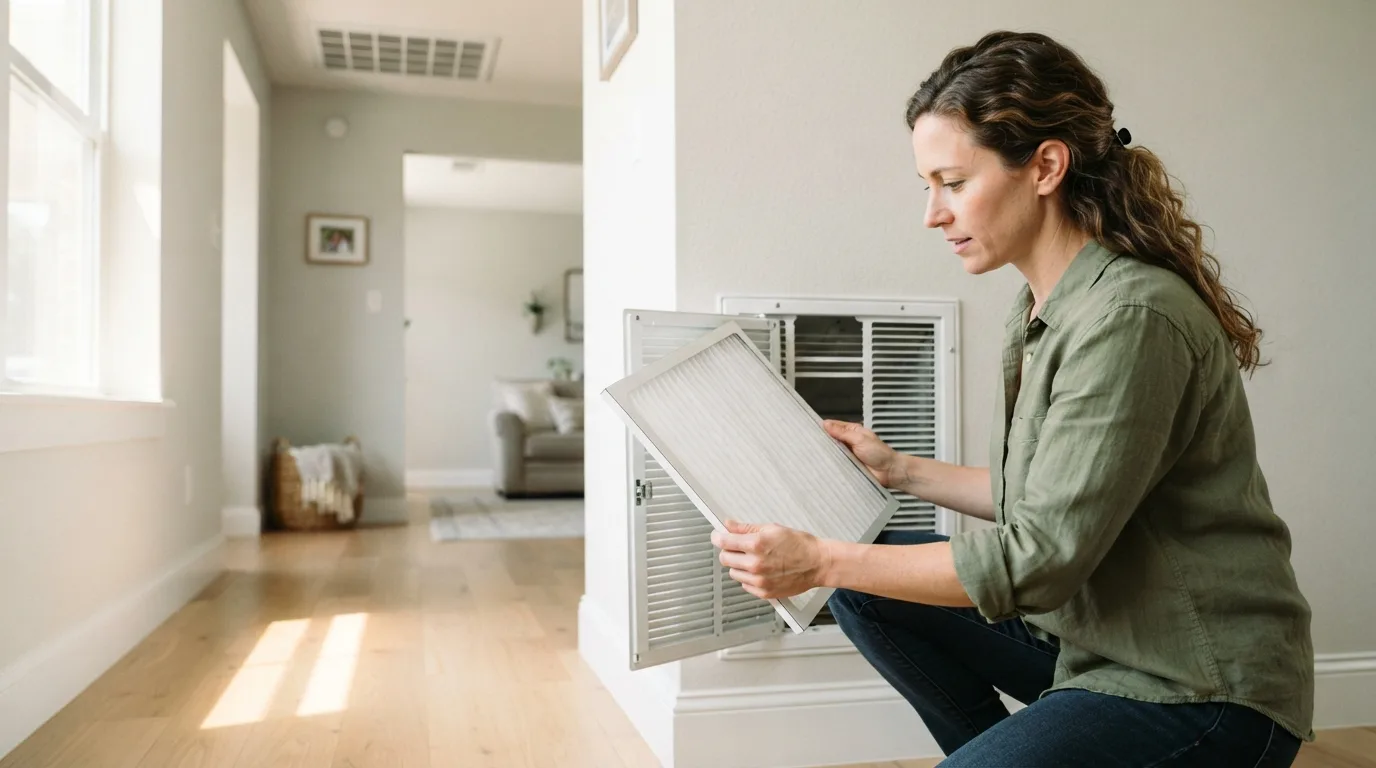
- Check the filter. Check it monthly, especially during heavy-use months, and replace it according to the filter or equipment manufacturer’s schedule. A dirty filter can slow airflow and make the system work harder, as ENERGY STAR advises.
- Check vents and returns. Make sure supply vents are open and clear of furniture, rugs, and curtains. Keep return grilles, the larger grilles that draw air back into the system, clear too. Blocked airflow can leave rooms unevenly heated.
- Check the thermostat. Set it to Heat, choose a temperature above the current room temperature, and set the fan to Auto. If the thermostat uses batteries, check that they work. Let the system follow its normal startup sequence. Timing varies by equipment.
- If you have a heat pump, check the outdoor unit. Clear leaves and other loose debris from around it so air can flow freely. Don’t move or take apart the unit.
These checks may help identify an airflow or thermostat issue. Keep to accessible, visible parts of the system. Don’t remove equipment panels or adjust internal components. If the system still isn’t heating after these checks and its normal startup sequence, call Chapman Air & Heat at (214) 340-4999. Our phone lines are staffed 24/7.
Test the heat and notice what you see and hear
Set the thermostat to Heat and raise it about 3-5°F above the room temperature. Leave the fan on Auto and give the system 10-15 minutes to start heating. Airflow and temperature changes can take time. A short test can reveal an obvious problem, but it cannot confirm that the system is safe or performing properly in every condition.
If you’re not sure what kind of system you have, check the equipment label or your home’s paperwork.
- A gas furnace has a burner and venting for exhaust.
- A heat pump uses an outdoor unit to move heat and may show “Heat Pump” or “Aux Heat” on the thermostat.
A furnace may start with a click, followed by a small motor or fan, then a brief ignition sound before the main blower begins. The air from the registers should feel clearly warm. Light ticking or popping as ducts warm up can be normal.
A heat pump usually sends out steady, warm air that feels less hot than furnace air, and it may run longer. In cold weather, it may briefly enter defrost. The outdoor fan can pause, you may see steam, and a whoosh or change in sound may follow. Auxiliary heat may also come on in colder conditions.
NOTE: Dust on a furnace’s heating parts can cause a temporary dusty smell during the first cycle. If an odor persists or smells like burning plastic or wiring, turn the system off at the thermostat and call us promptly. If you smell gas, don’t operate switches or try to start the equipment. Leave the home and call your gas utility or emergency services from outside. Turn the system off and contact us if you hear repeated banging, grinding, or other loud, unfamiliar noises.
If the system does not start, you feel no warm airflow after 10-15 minutes, or the home still isn’t gradually warming after it has run for a while, we can help determine what’s going on. Call Chapman Air & Heat at (214) 340-4999, or book a heating repair online.
Know which furnace signs you can watch and which you shouldn’t ignore
A few brief changes can be normal when a furnace starts after months off. A faint dusty smell that fades shortly after the first seasonal run, or a single click as the system starts, usually isn’t a reason to panic. If the smell clears and the furnace heats normally, keep an eye on it and mention it at your next maintenance visit.
Call us if a symptom persists or keeps returning:
- repeated banging, scraping or squealing
- a burning or unusual odor that doesn’t clear
- uneven heat
- frequent on-and-off cycling
- a furnace that can’t keep the house warm
- energy bills climbing without explanation.
These symptoms can indicate airflow, electrical, ignition or mechanical problems. Don’t keep resetting a breaker that trips or changing settings to force the furnace to run. In a Texas cold snap, loss of heat needs prompt attention.
Treat possible carbon monoxide or gas as an emergency. If a CO alarm sounds, or anyone has a headache, dizziness or nausea that may be linked to the furnace, get everyone outside immediately and call 911 from outside.
Don’t re-enter until emergency responders say it’s safe. If you smell gas or hear it escaping, leave without operating switches, appliances or the thermostat.
Call 911 and your gas utility’s emergency line from outside. Yellow burner flames or soot around the furnace can signal a combustion problem. Stop using the furnace and call us promptly. If there’s smoke or fire, leave and call 911.
For furnace symptoms that aren’t an immediate safety emergency, call Chapman Air & Heat at (214) 340-4999. Our phone lines are staffed 24/7, and technicians are on call around the clock for emergency repairs. We’ll explain what we find and what needs attention.
What you can check, and what to leave to us
Before a Texas cold snap, you can check the filter and clean or replace it as directed, make sure supply and return vents aren’t blocked, and confirm the thermostat responds when set to heat.
If the furnace won’t start, keeps cycling, makes unusual noises, or you see soot, stop and call us. If you smell gas, leave the home and call 911 or your gas utility from outside.
Don’t open equipment panels or handle wiring, gas connections, refrigerant lines, or safety switches. These checks require training and equipment. Electrical components can carry dangerous voltage, fuel or burner problems can create a carbon monoxide risk, and refrigerant must be handled by certified professionals. Bypassing a safety switch can hide a serious problem.
Our licensed, EPA-certified technicians inspect the whole system, including the parts that appear to be working. Depending on your equipment, that can include burners and ignition, safety controls, electrical connections, airflow, gas pressure, and refrigerant charge. Since 1981, we’ve brought the engineering care we learned in Dallas homebuilding to HVAC service.
Our maintenance plan includes visits before heating and cooling seasons, plus up to 15% off service parts and no after-hours charge for plan customers. Call (214) 340-4999. Our phones are staffed 24/7. You can also book service online before you rely on your heat.